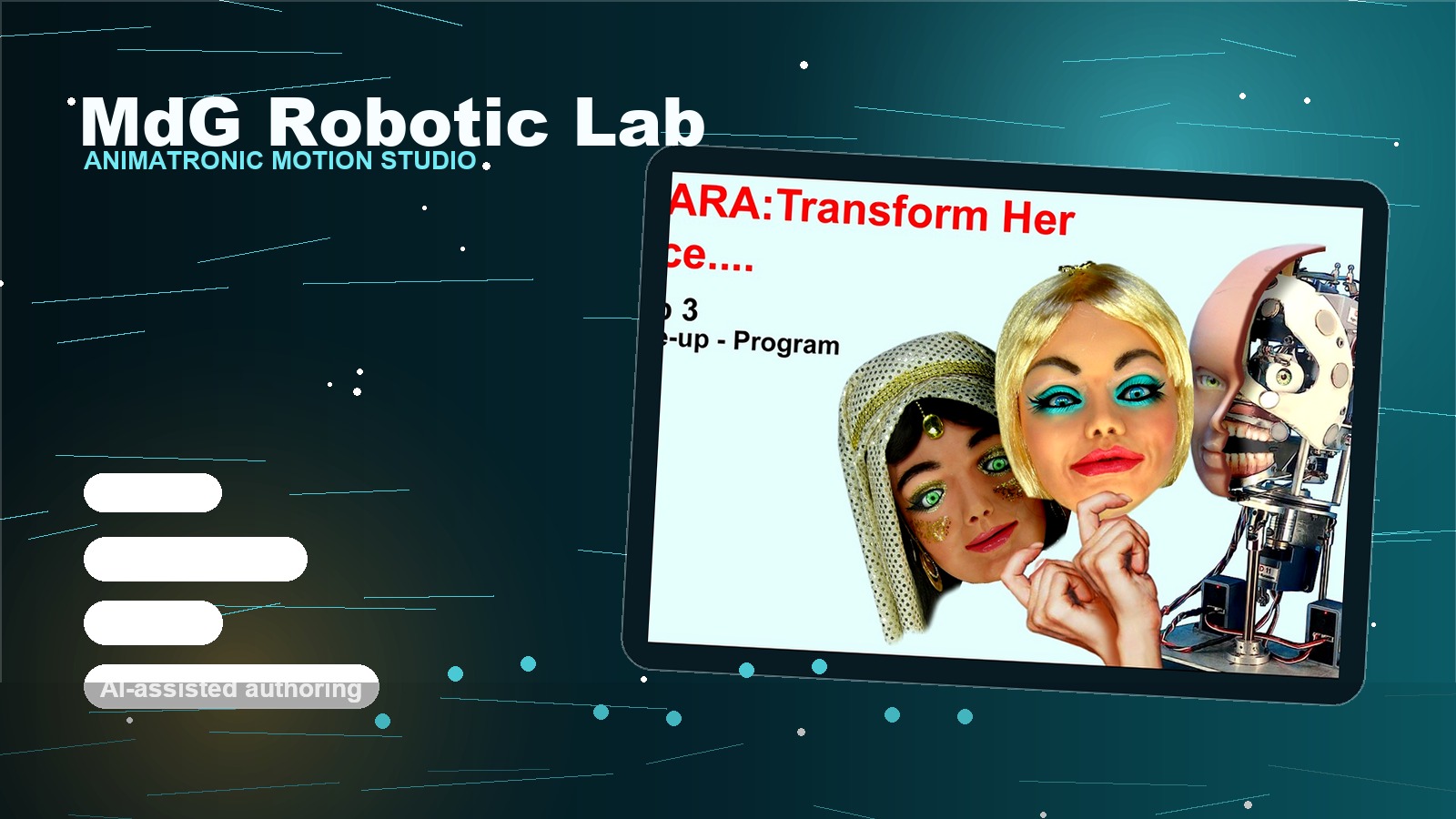
Robotics lab
Motion authoring for animatronics, robotics and electromechanical systems.
MdG Robotic Lab is a desktop studio for designing, testing and playing back servo-driven motion. It turns complex timelines, audio cues, digital outputs and AI-assisted authoring into one controlled environment for real-time robotic performance.
Timeline core
Millisecond motion timeline
A multi-track editor for jaws, eyes, lights, switches, audio and gestures. Every segment lives on a precise time range, so operators can shape motion with the same control they expect from audio or video editing.
timeline precision
element types
runtime loop
Real hardware playback
Runtime workers dispatch motor frames and pin commands through serial ports while keeping playback responsive and safe for physical devices.
Sound and lip-sync
Audio tracks drive synchronized movement using waveform amplitude, speech timing and phoneme-oriented control.
AI-assisted workflow
A local assistant helps operators navigate documentation, plan movements and accelerate authoring decisions.
Digital I/O orchestration
Timed outputs coordinate relays, lights, pneumatics and other actuators alongside servo motion.
Now available
The lab became a product: MotioForge Studio.
The motion authoring software developed in the MdG Robotic Lab is now MotioForge Studio, available as a public Beta for Windows: timeline editor, servo bus and PWM support, synchronized audio with lip-sync and an on-board AI assistant.
Demo video
See the robotic motion workflow in action.
The video starts muted when it enters the viewport. Click anywhere on the video frame to open the original YouTube page.
Video gallery
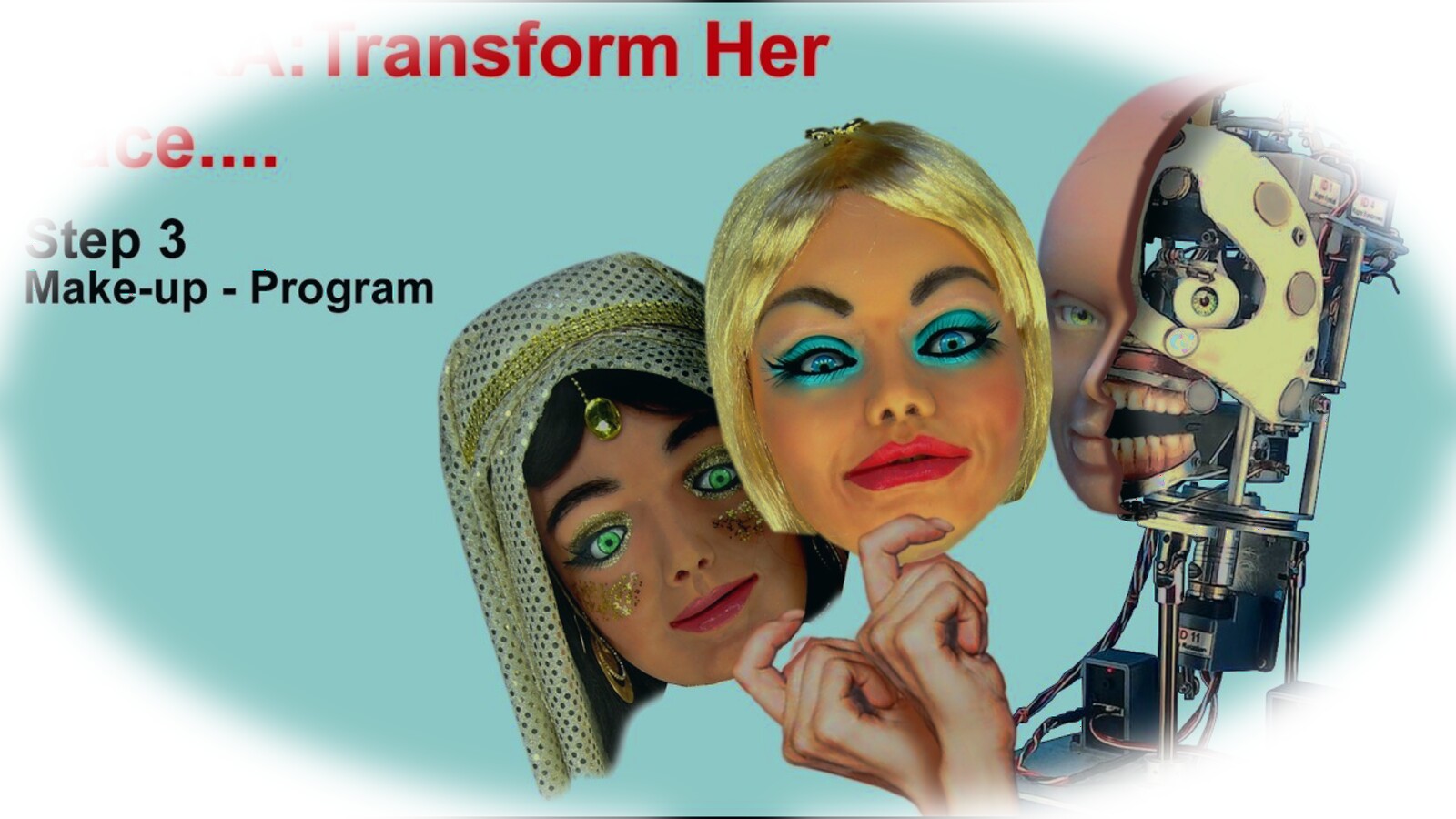
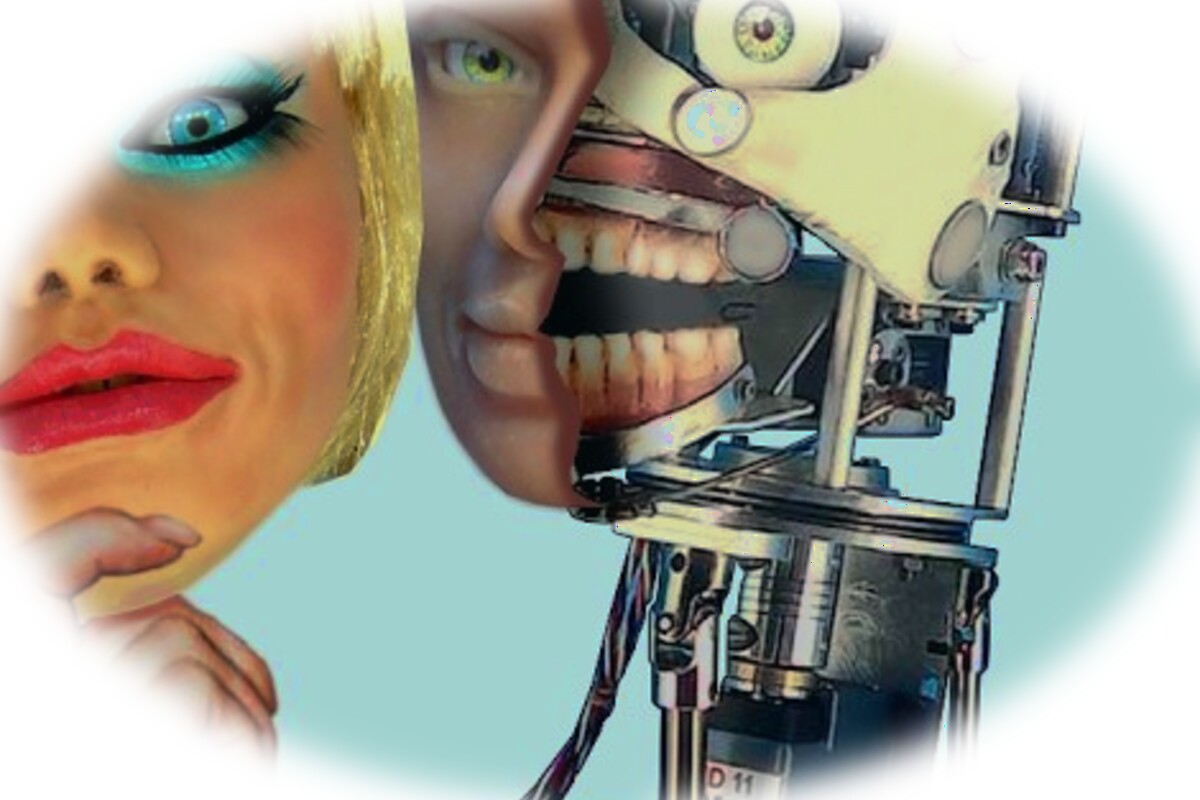
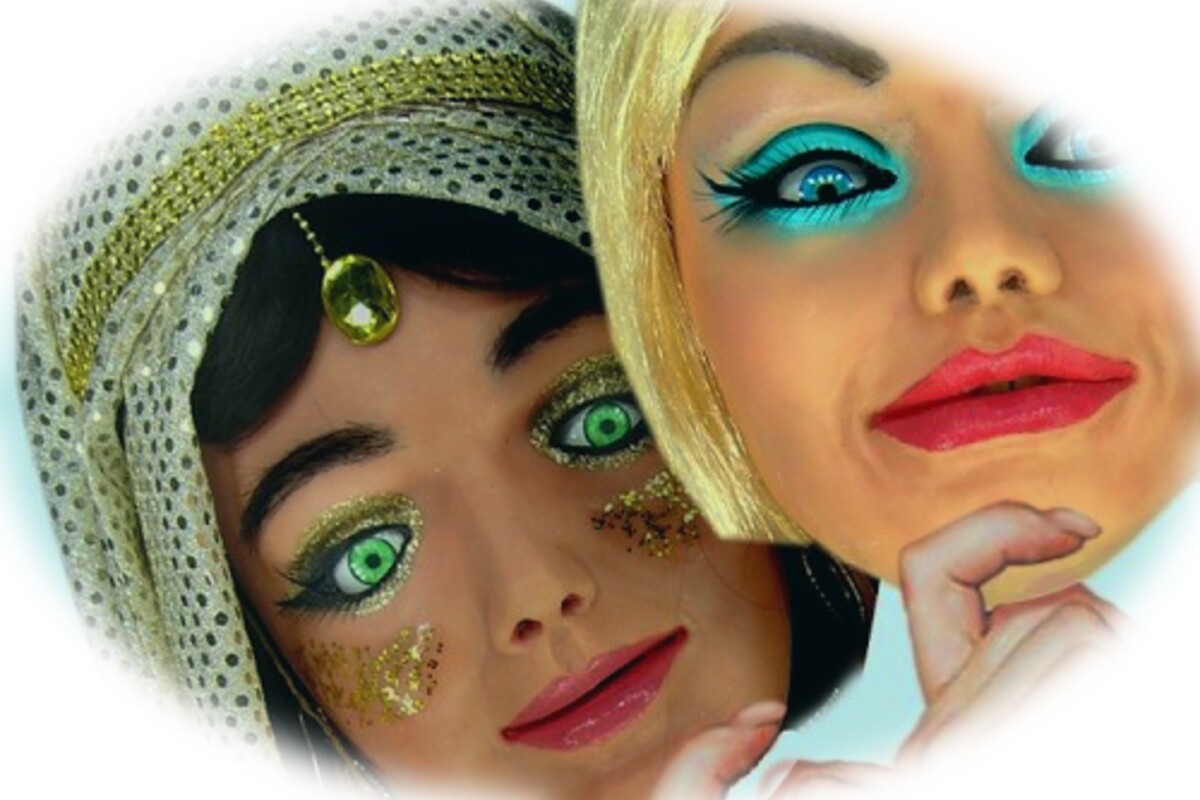
Frames from the robotic motion demo.
Selected frames from the YouTube video become a visual layer for the project: robot mechanics, animatronic face detail and the full motion lab reference.
Control model
Four element types, one timeline.
The studio models every installation as a domain: hardware elements, ports, addresses and animations are kept together so motion can be authored visually and sent to the physical system without translating files by hand.
Bus servos
Multi-servo control over a shared bus, including position, speed and acceleration curves.
PWM servos
Direct PWM pin control for high-power servos with throttled command dispatch.
Audio output
WAV, MP3 and OGG playback synchronized with movement and lip-sync tracks.
Digital I/O
Timed on/off outputs for relays, lights, pneumatics and other actuators.
Pipeline
From authoring to motion without breaking the chain.
The same project model moves from visual editing to runtime playback: every tick evaluates active segments, builds hardware frames and dispatches commands to the correct port worker.
Open ports
Each connected serial port gets a dedicated worker and the runtime timer starts.
Evaluate segments
The engine finds every timeline segment active at the current millisecond.
Generate frames
Motor frames include position, speed and acceleration; switch tracks become pin commands.
Dispatch and throttle
The port manager sends commands safely while audio tracks trigger synchronized playback.
Architecture
Clean hierarchy for complex machines.
- Domain — the top-level project containing elements, ports, servos and animations.
- Element — a hardware component with a type, port reference and physical address.
- Animation — a named collection of tracks and segments with an activation mode.
- Segment — an atomic command on a time range: position, speed, audio or switch state.
Trial mode
Fast evaluation for beta testers.
The application can launch directly into evaluation mode, making it easier to test authoring workflows with real animatronic hardware before production licensing.
Production mode
Offline-ready license verification.
Production builds support signed license files, optional hardware binding and revocation checks with an offline fallback for installations that cannot depend on connectivity.